 smart
smart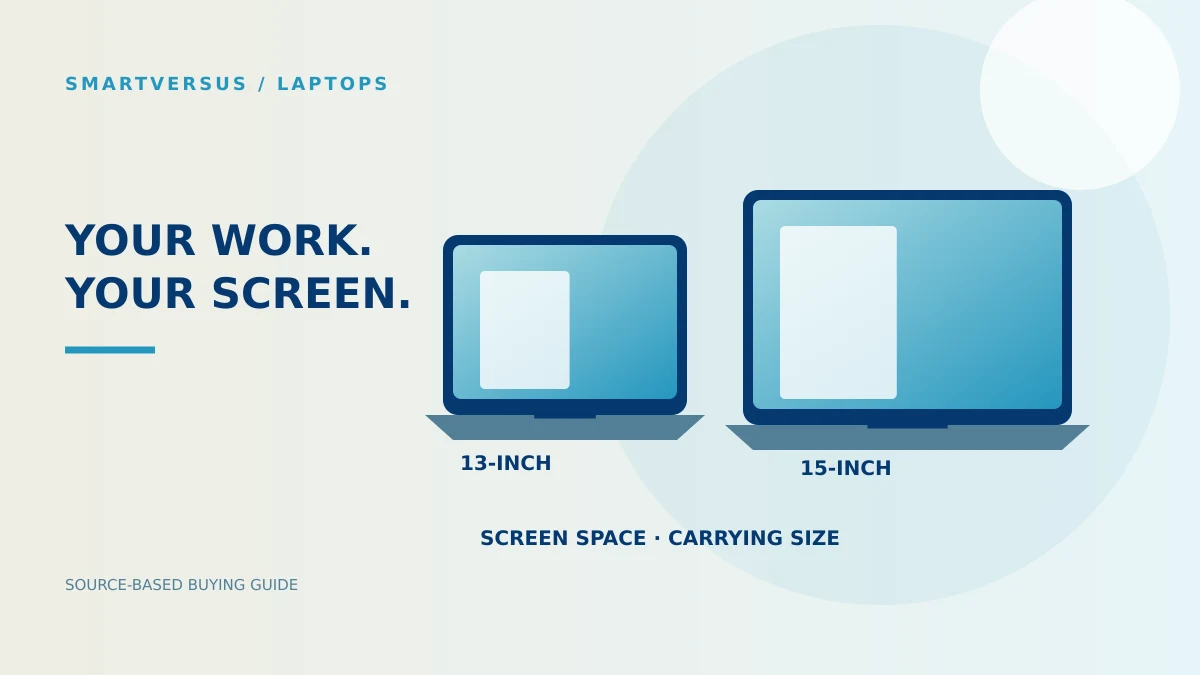
The configurations being compared
| Selected specification | 13-inch M4 | 15-inch M4 |
|---|---|---|
| Display diagonal | 13.6 inches | 15.3 inches |
| Memory / storage | 16GB / 256GB | 16GB / 256GB |
| GPU in this comparison | 8-core | 10-core |
| Published weight | 2.7 lb / 1.24 kg | 3.3 lb / 1.51 kg |
| Connections | 2 × Thunderbolt 4, MagSafe 3, headphone jack | 2 × Thunderbolt 4, MagSafe 3, headphone jack |
This comparison concerns the 2025 M4 MacBook Air models, with 16GB memory and 256GB storage selected on both. The 13-inch selection has an 8-core GPU; the 15-inch selection has a 10-core GPU. The GPU difference remains part of the comparison even though memory and storage match.
Check the 13-inch M4 configuration and the 15-inch M4 configuration before comparing retailer offers. Neither model name alone identifies every available option.
Screen space is a workflow decision
For a workflow built around documents and a browser, decide how often you need both visible at once. A larger panel offers a larger physical canvas; it does not guarantee that every application shows more content at its default settings. Resolution, scaling and the app layout all affect what appears.
A useful check is to arrange a representative document and browser window on a comparable screen before choosing. Consider whether you spend most working hours using the built-in display or an external monitor. If an external display is your usual workspace, the larger laptop panel may be less central to the purchase.
The distinction matters because a screen choice is paid for and carried every day, even when the task does not need it. Do not turn a preference for larger text or a larger workspace into a universal recommendation.
Portability includes the footprint
Apple lists different weights for the two sizes, with variation possible by configuration and manufacturing. The 15-inch body also takes more space. Check bag dimensions and the places where the laptop will be opened, not just the weight label.
For this workload, portability means being able to carry and use the computer where the work happens. A frequently moving buyer may prioritize a smaller footprint. A buyer working mainly at a desk may prefer more built-in screen space. These are purchase scenarios, not observations from our own travel test.
The larger model does not add these ports
The listed connection set is shared: two Thunderbolt 4 ports, MagSafe 3 charging and a headphone jack. A larger screen therefore does not remove the need to plan adapters for accessories using other connections.
List your monitor, storage device and other peripherals. Decide which need simultaneous connections and whether you already have suitable cables or a dock. Add missing accessories to the purchase calculation, rather than assigning an unspecified connectivity advantage to the larger laptop.
Use the two-model Air M4 comparator to keep the selected configurations aligned.
Configuration caveats
This guide contains no benchmark, fan-noise, thermal or battery-runtime testing. More GPU cores are a configuration difference; they are not a measured percentage improvement for a particular application. If your decision depends on rendering, coding tools or a specialist app, confirm its requirements and examine a test of the exact configuration.
Storage needs deserve a separate decision. Calculate space for your apps and local projects, then consider your backup arrangements. Do not select a screen size as a substitute for checking memory or storage requirements. The laptop catalog offers other configurations when either selected Air is unsuitable.
A conditional recommendation
Choose the 13-inch selection when carrying size is a priority and its exact configuration meets the workload. Choose the 15-inch selection when built-in screen space is valuable enough to justify the larger body and complete purchase cost.
Before ordering, write the model year, memory, storage and GPU together. That single line prevents a comparison of screen sizes from quietly becoming a comparison of different computers.