 smart
smart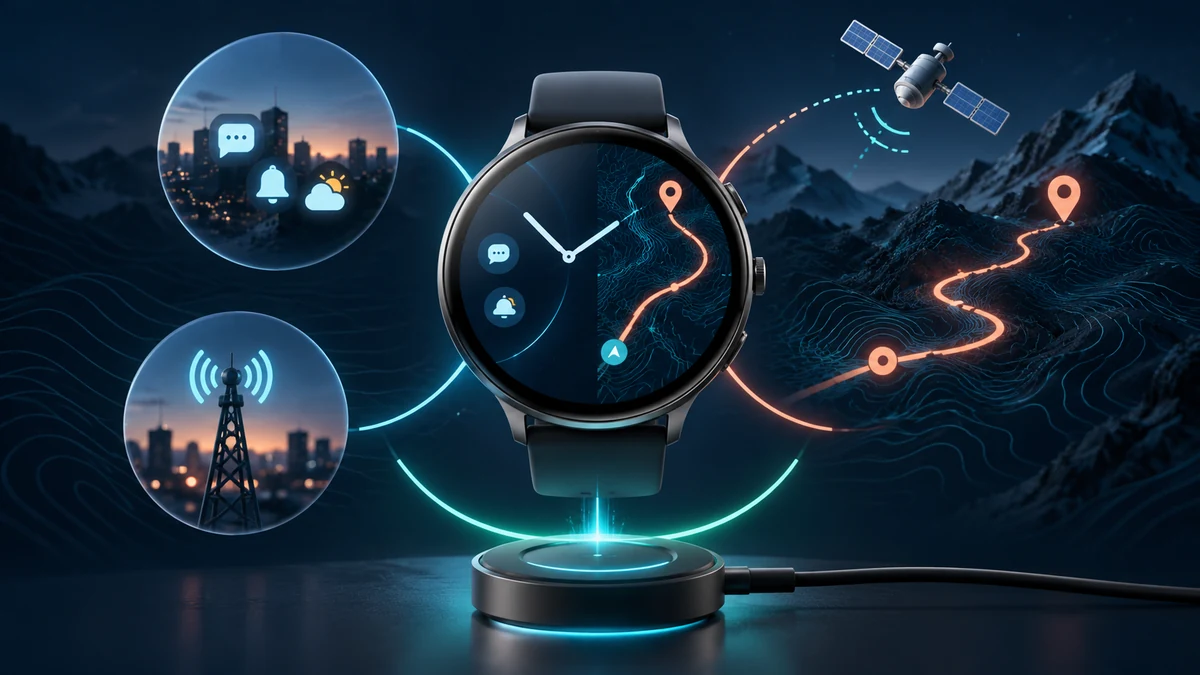
Read the label attached to the number
A battery claim is useful only with its mode. “Up to” smartwatch time can describe notifications, time checks and background tracking, while a separate workout figure may keep GPS and heart-rate sensing active. Do not divide one number by another or treat either as a measured result for your wrist.
Check phone support, region and cellular requirements first in our smartwatch compatibility guide. A long battery claim cannot fix an incompatible phone or unavailable service.
Separate everyday, GPS and connected modes
Manufacturer tables often separate smartwatch mode, GPS-only, all-systems or multi-band positioning, music playback and low-power tracking. Garmin’s cited manual, for example, advertises up to 11 days in its defined smartwatch mode, 19 hours with GPS only, 17 hours with all systems, and 7 hours with GPS plus music. Those are different test modes, not a single promise.
Apple likewise publishes separate all-day, low-power and workout tests and names the devices, software, connections and actions used. Samsung’s guidance identifies Always On Display, GPS, Wi-Fi, brightness and notification volume as settings that can change consumption.
Build the workout you actually plan
Write the longest uninterrupted recording you expect: a run, hike, ride or event. Add navigation, multi-band positioning, music from the watch, cellular use and connected sensors only when you will actually use them. Then compare that bundle with the manufacturer’s matching mode.
The Apple Watch SE catalog example is a useful reminder to check the exact generation and configuration. It is not evidence that a current Apple battery table applies to that older model.
Turn your week into a battery routine
| Your use | Claim to find |
|---|---|
| Ordinary day | Smartwatch or all-day mode with stated test actions |
| Outdoor recording | GPS-only or matching GNSS mode |
| Route plus music | GPS mode with music playback |
| Phone left behind | Cellular/LTE conditions and signal assumptions |
| Long event | Low-power mode and functions reduced |
Use your own schedule rather than a universal score. A short daily workout with an overnight charge is a different problem from a long GPS event followed by sleep tracking.
After mapping the routine, use the smartwatch comparator for hardware context. Keep advertised estimates, your required recording time and an uncertainty margin in separate columns.
Plan the charging window, not just the interval
Choose a charging moment you can repeat: while showering, at a desk, or before sleep if you do not track sleep. Confirm the charger, adapter and charging conditions for the exact watch. A fast-charge statement normally has its own test equipment and temperature assumptions.
Low-power modes require a trade-off check. Apple states that Low Power Mode can turn off Always On Display and background measurements, limit connections and delay some notifications. Its supported workout option can also take fewer GPS and heart-rate readings. Extra runtime is not free if a reduced feature is the reason you bought the watch.
Choose the claim that matches your longest day
Choose a watch when its advertised mode covers your longest intended activity and the remaining everyday time fits a realistic charge window. Prefer more mode-specific evidence over one large headline number.
Browse the smartwatch catalog with that routine beside you. This guide has not measured runtime and cannot predict battery aging, signal conditions, temperature, software changes or your notification load.