 smart
smart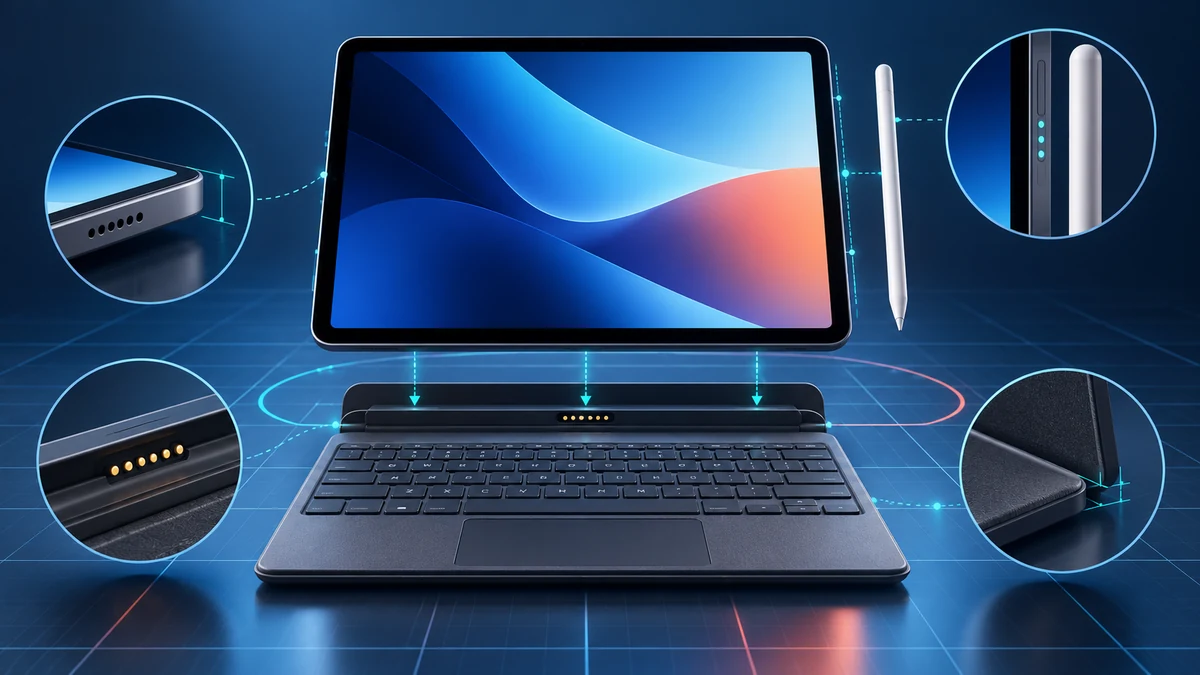
Start with the exact tablet, not the family name
Before shopping, open the tablet’s settings and record its model name, model number, screen size and generation. Labels such as Pro, Air, FE or Plus can span different bodies and years; a shared brand or diagonal size does not prove that magnets, camera cutouts or connector pins line up.
If the accessory page does not list that exact tablet, treat compatibility as unconfirmed. Our study-device workflow guide helps decide whether a keyboard or pen belongs in your setup at all.
Check how the keyboard connects and receives power
A fitted keyboard cover can depend on physical dimensions, magnets and a proprietary connector. Samsung says its supported POGO Keyboard Covers use the tablet’s special connector and need neither a separate power source nor Bluetooth pairing. That statement does not cover every Bluetooth keyboard.
A generic Bluetooth keyboard avoids a fitted shell, but verify operating-system support, charging, key mapping and the stand. The Galaxy Tab S10+ catalog page is an exact-model reference; use the accessory maker’s list rather than inferring fit from the brand.
Match the pen generation and the functions you need
Pen compatibility is model-specific. Apple’s support list separates Apple Pencil Pro, Apple Pencil (USB-C), Apple Pencil (2nd generation) and Apple Pencil (1st generation), with different supported iPads. Some combinations also need an adapter for pairing and charging.
Write down the functions you expect: basic writing, pressure sensitivity, hover, squeeze, pairing and charging. Verify those functions for the exact pen-and-tablet pair. Samsung’s cited US Tab S10+ offer lists an S Pen in the package, but retailer, refurbished and used bundles still need their own check.
Use a four-line compatibility record
| Record | What must match |
|---|---|
| Tablet | Exact model name/number, size and generation |
| Keyboard | Supported models, connector, layout and software |
| Pen | Exact generation, pairing/charging and functions |
| Offer | Included pieces, condition, region and return terms |
Save the manufacturer page and checked date. Samsung support identifies model EF-DX825 for the Tab S10+/S9+/S9 FE+ Book Cover Keyboard. Do not shorten that evidence to “works with Tab S10.”
Check the keyboard language and regional layout as well as software requirements for special keys. Use the tablet comparator only after the accessory record is complete.
What you need alongside it
Count the complete setup: tablet, keyboard, pen, case, adapter, replacement tips and required apps. Do not count a bundled pen twice, and do not assume a keyboard is included because it appears in promotional photography. Samsung lists the Tab S10 keyboard covers separately.
Apple’s keyboard selector also separates accessories by iPad family and size and directs users to confirm their model in Settings. Browse the tablet catalog with the full setup cost beside the device; this guide quotes no current prices.
Choose only after the model appears on the list
Buy when the manufacturer lists your exact tablet, the connection and charging method suit your routine, the keyboard layout is correct, and the functions you need are documented. Choose a generic Bluetooth keyboard only if its software support is explicit and a separate stand and charger fit your routine.
Pause when a listing says only “for iPad,” “for Galaxy Tab,” or “fits 11-inch tablets.” Ask for the manufacturer part number and supported-model list, and keep a return path for ambiguous third-party claims. This source-based guide does not test the fit, latency or comfort of every accessory.